Skip to content

Apps

Free desktop and mobile apps for your ZeroTrace gear, plus AI that runs on the model you choose.

  • Free
  • Windows
  • macOS
  • Linux
  • iOS
  • Android

Desktop

Native installers for Windows, macOS and Linux. No subscription.

ZeroTrace Dashboard

Free

The ZeroTrace Dashboard as a desktop app.

  • Runs the live dashboard, always current
  • Installers for Windows, macOS and Linux
  • A lightweight shell, no extra bloat

.msi · .dmg · .deb / .AppImageOfficial builds from GitHub Releases.
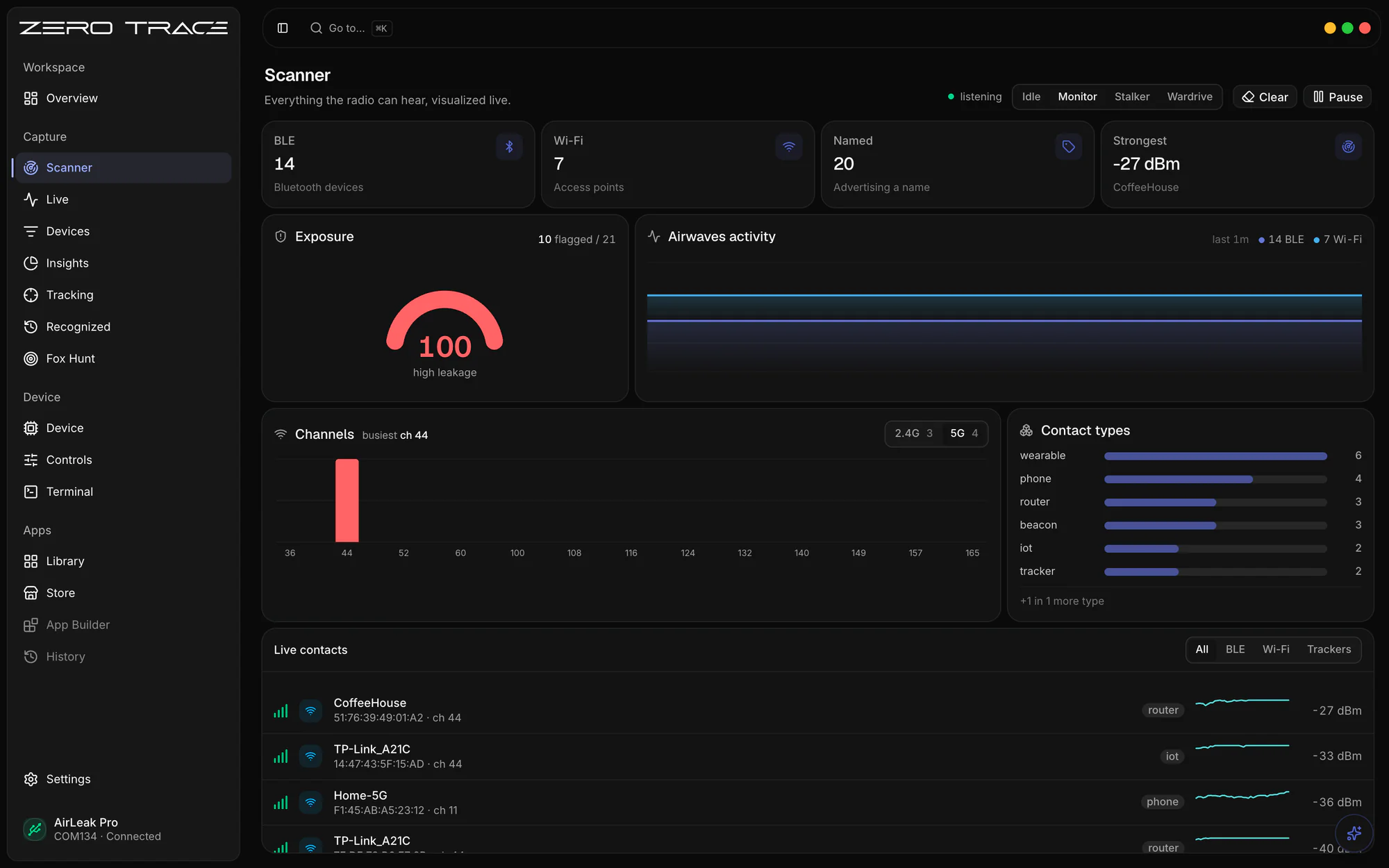
ZeroTrace desktop app: the Scanner view with live BLE and Wi-Fi contacts, an exposure score and channel activity

ZeroTrace Companion

Free

Manage devices, and stay in control.

  • Status, firmware and storage at a glance
  • Guided serial setup and firmware updates
  • Built-in terminal for direct commands

Windows 10+ 64-bit · Intel & Apple Silicon · Ubuntu 20.04+Download it from your ZeroTrace Dashboard.

ZeroTrace desktop app: the Scanner view with live BLE and Wi-Fi contacts, an exposure score and channel activity

ZeroTrace Bytes

Open source · GPL-3.0

Fast, minimal, and secure file shredding.

  • Overwrites contents before deleting
  • Extra passes and an Explorer context menu
  • Tiny CLI: zerotrace-bytes secret.txt 3

.exe · Windows 10+ 64-bitOfficial builds from GitHub Releases.
ZeroTrace desktop app: the Scanner view with live BLE and Wi-Fi contacts, an exposure score and channel activity

ZeroTrace Mobile

Free

Your rig, on the phone already in your hand.

  • Pair in seconds with the license QR
  • Runs HID and AirLeak over Bluetooth
  • No account, no cloud: it stays on the device
Browse the hardware
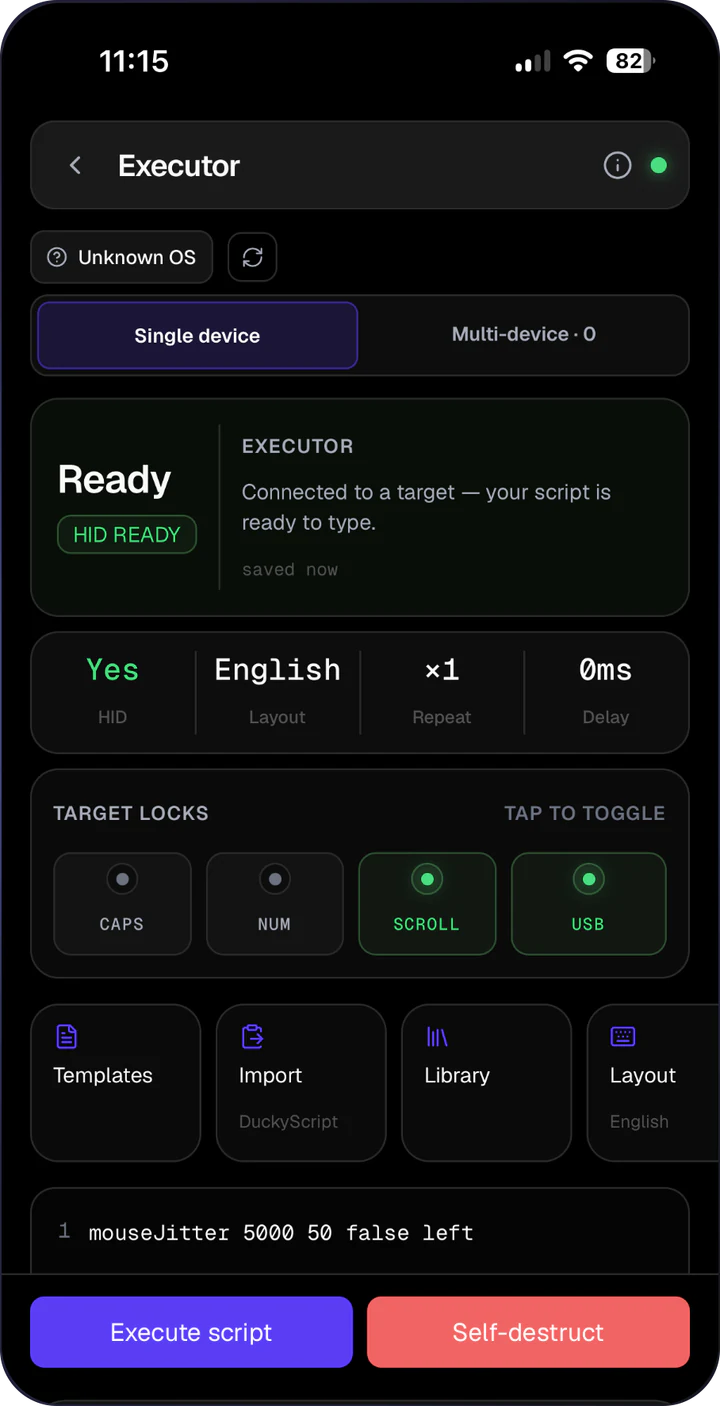
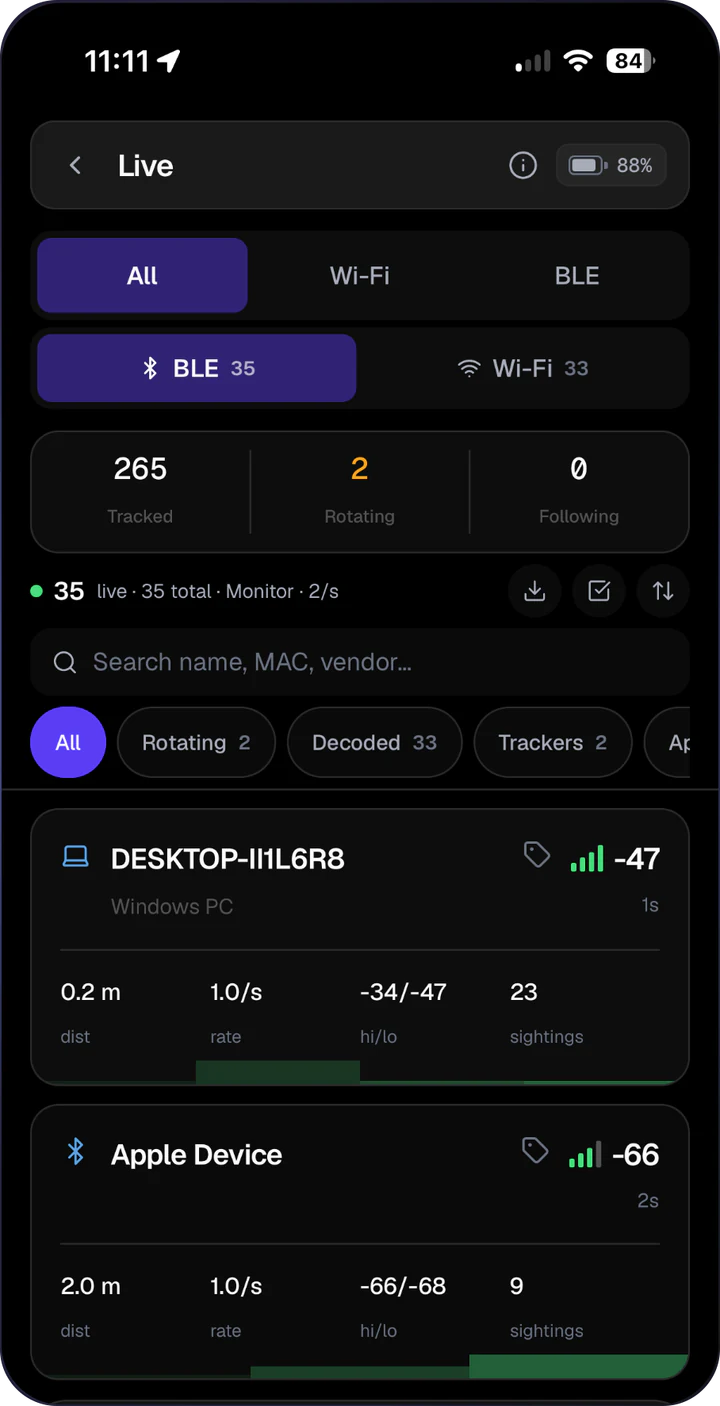
ZeroTrace Mobile: HID script executorZeroTrace Mobile: AirLeak live capture

AI integration

Bring your own model. AI ships inside most ZeroTrace software, AirLeak, OSINT and beyond, local-first by default.

  • Ollama

    Local

    Llama, Qwen, Mistral, Gemma, DeepSeek, on your own hardware. The default.

  • LM Studio

    Local

    Point the apps at your LM Studio local server.

  • Custom endpoint

    OpenAI-compatible

    Anything that speaks the OpenAI format: vLLM, llama.cpp, your own proxy.

  • MCP server

    MCP

    Connect ChatGPT Desktop, Claude Desktop, Cursor or Continue to AirLeak.

  • ChatGPT

    Cloud

    GPT-4o, the o-series and anything else OpenAI offers through its API.

  • Anthropic

    Cloud

    Claude Opus, Sonnet and Haiku via the Messages API, tool calling included.

  • Google AI Studio

    Cloud

    Gemini Pro, Flash and the wider family, free tier included.

  • OpenRouter

    Cloud

    One key, 200+ models from every major lab.

How it works

  1. 1Pick a provider

    Open the app’s settings, choose a provider and paste a key or a local endpoint. Switch any time.

  2. 2Straight to the model

    Local models never leave your machine. Cloud requests go directly to the provider’s API, with no ZeroTrace proxy in between. Prompts, tools and parameters stay inspectable.

  3. 3MCP when you want it

    AirLeak’s MCP server is off by default and bound to 127.0.0.1. Turn it on and any MCP client can list devices, query alerts, inspect sessions and pull OSINT entities.